Step 1.
Logon on to the FusionUC Portal

Step 2.
Click on the username / extension in the upper right corner of the portal.

Step 3.
Click on profile.

Step 4.
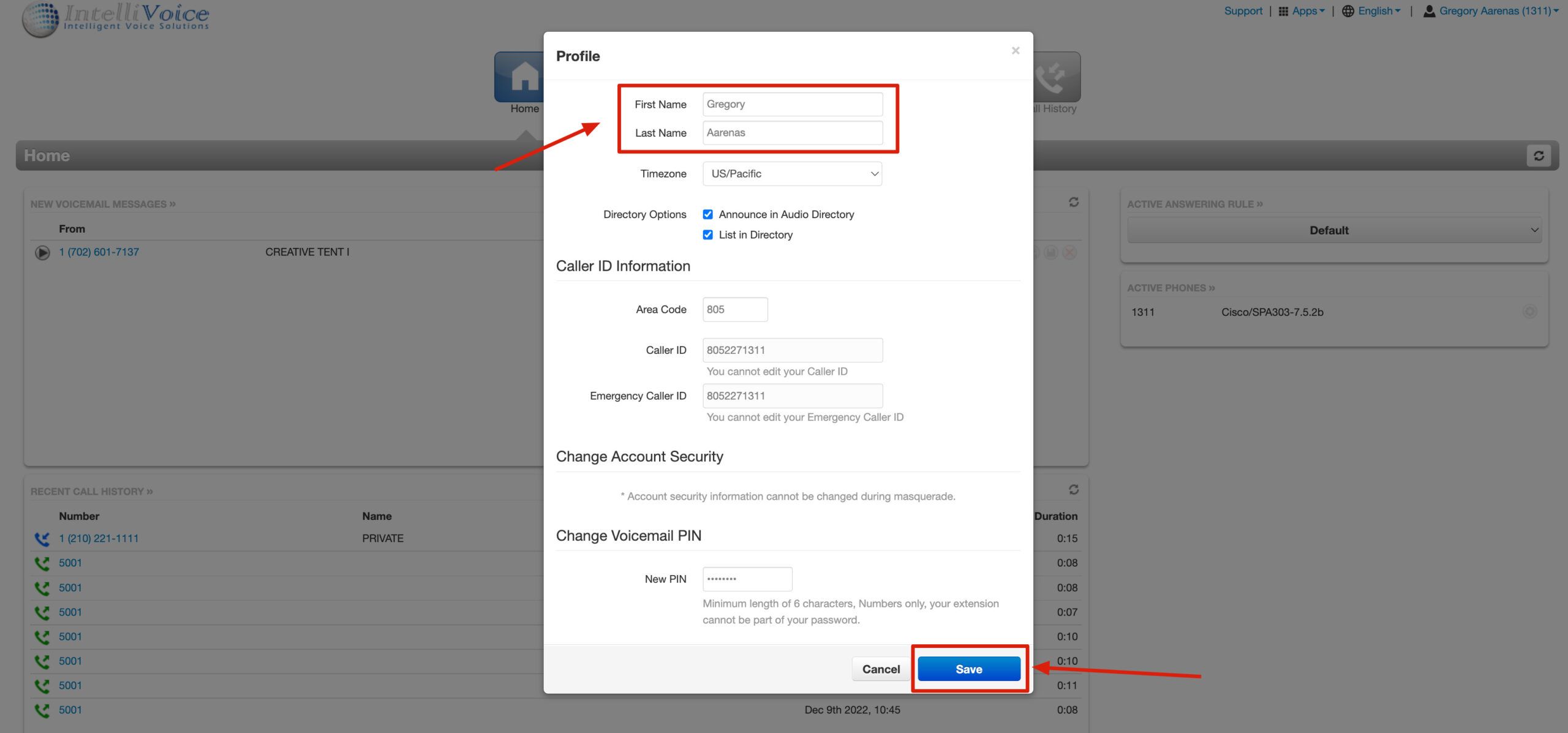
Change the First and Last Name then click SAVE.

< 1 min read
Powered by BetterDocs


